Turn your displays into useful communication. K+A Integration Group helps plan the screens, create the content and organize the updates for digital signage that fits your audience and your space.
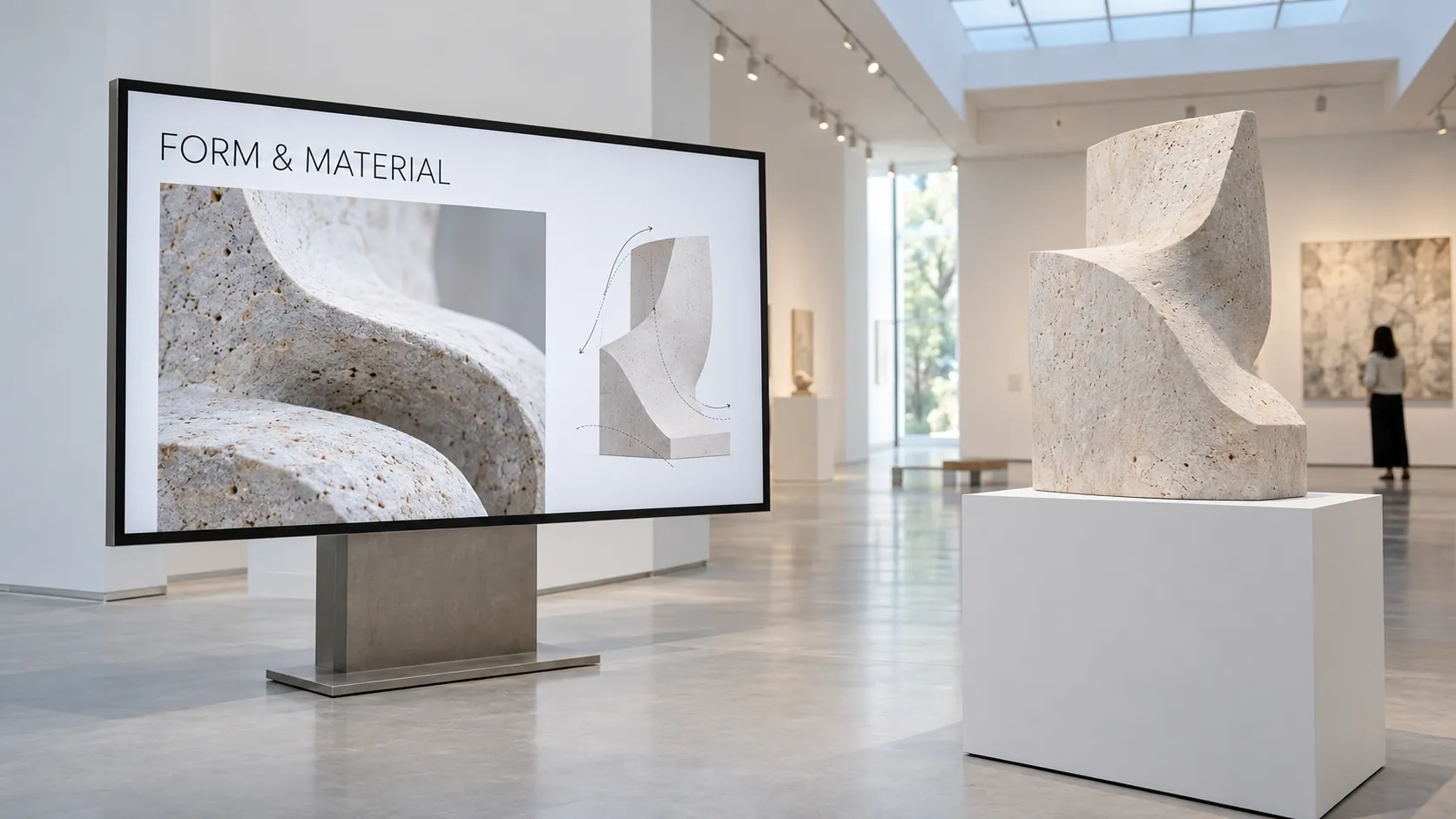
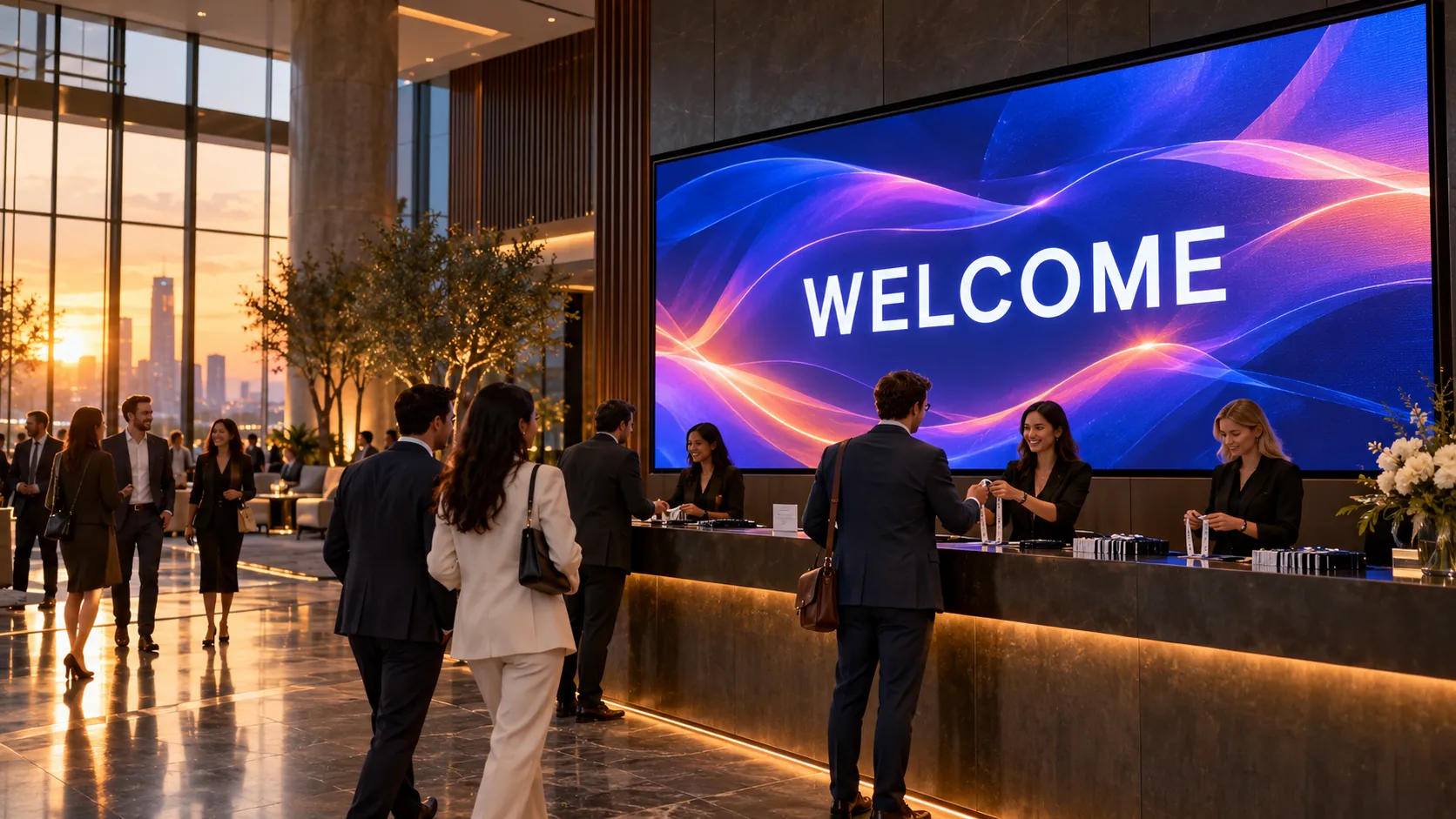
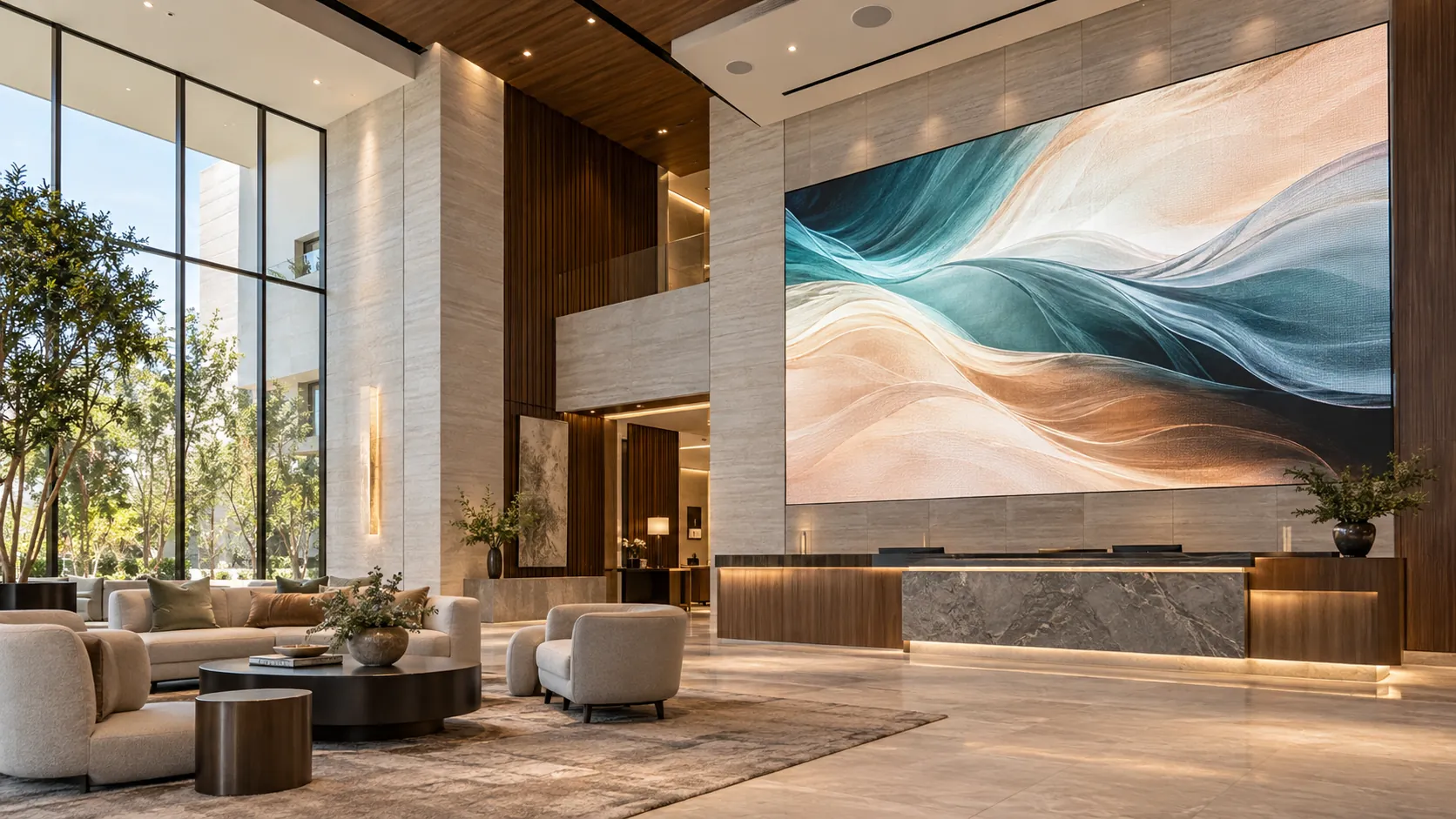
Digital Art + Architectural DisplaysMedical Office Information DisplaysHospital Information + WayfindingRetail Digital SignageDigital Menu BoardsGuest WayfindingEmployee Communications DisplaysOutdoor Event InformationMuseum + Exhibit DisplaysEvent Registration Displays
Healthcare environments
Clear communication throughout the visit.
Help patients, visitors and staff find their way, understand what comes next and stay informed through thoughtfully placed displays and AV.
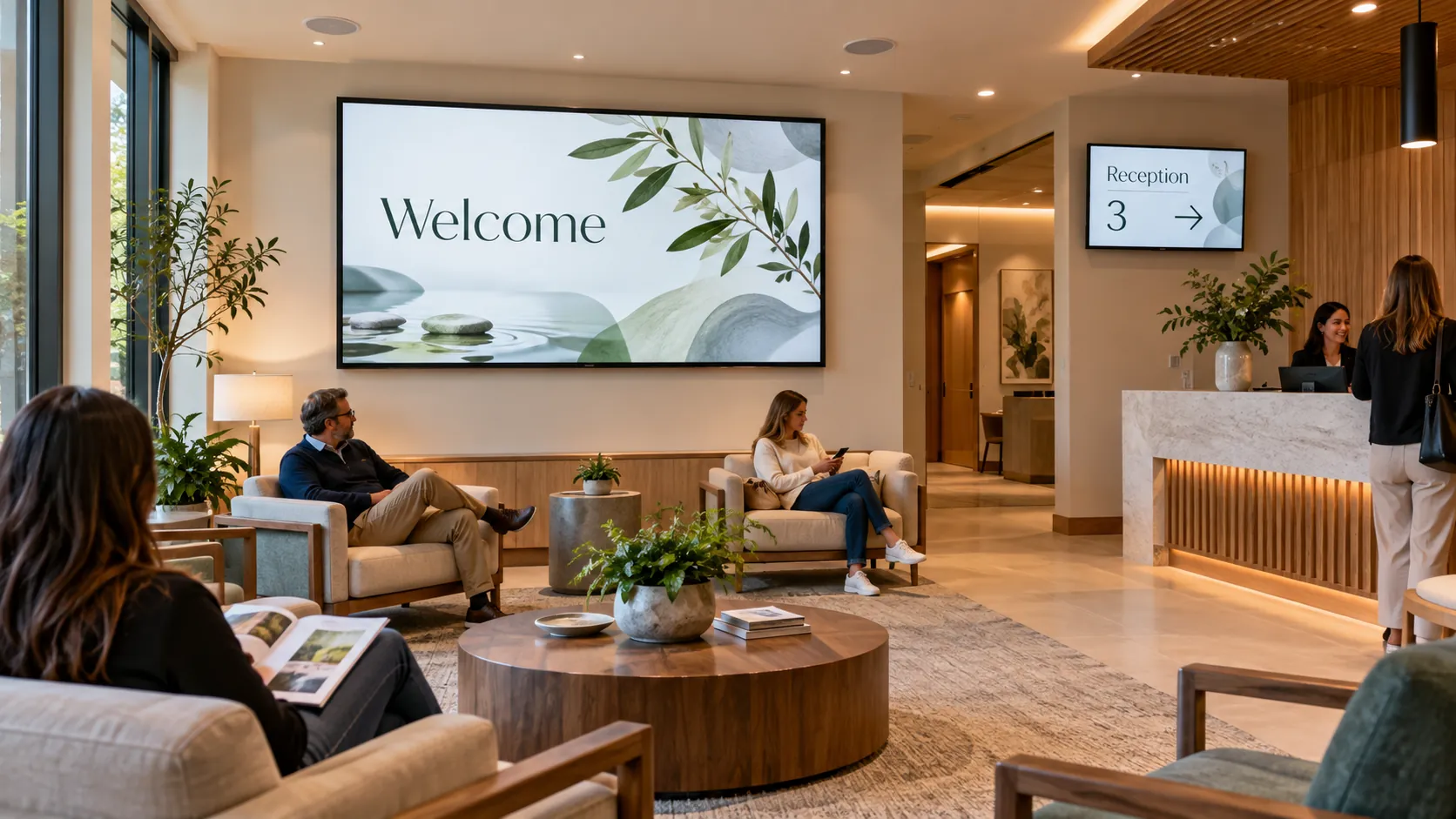
Medical offices & waiting areas
Integrate welcome displays, practice information, staff-approved educational video and compatible queue messaging. Plan comfortable viewing positions, captions and discreet audio zones so content suits the waiting environment.
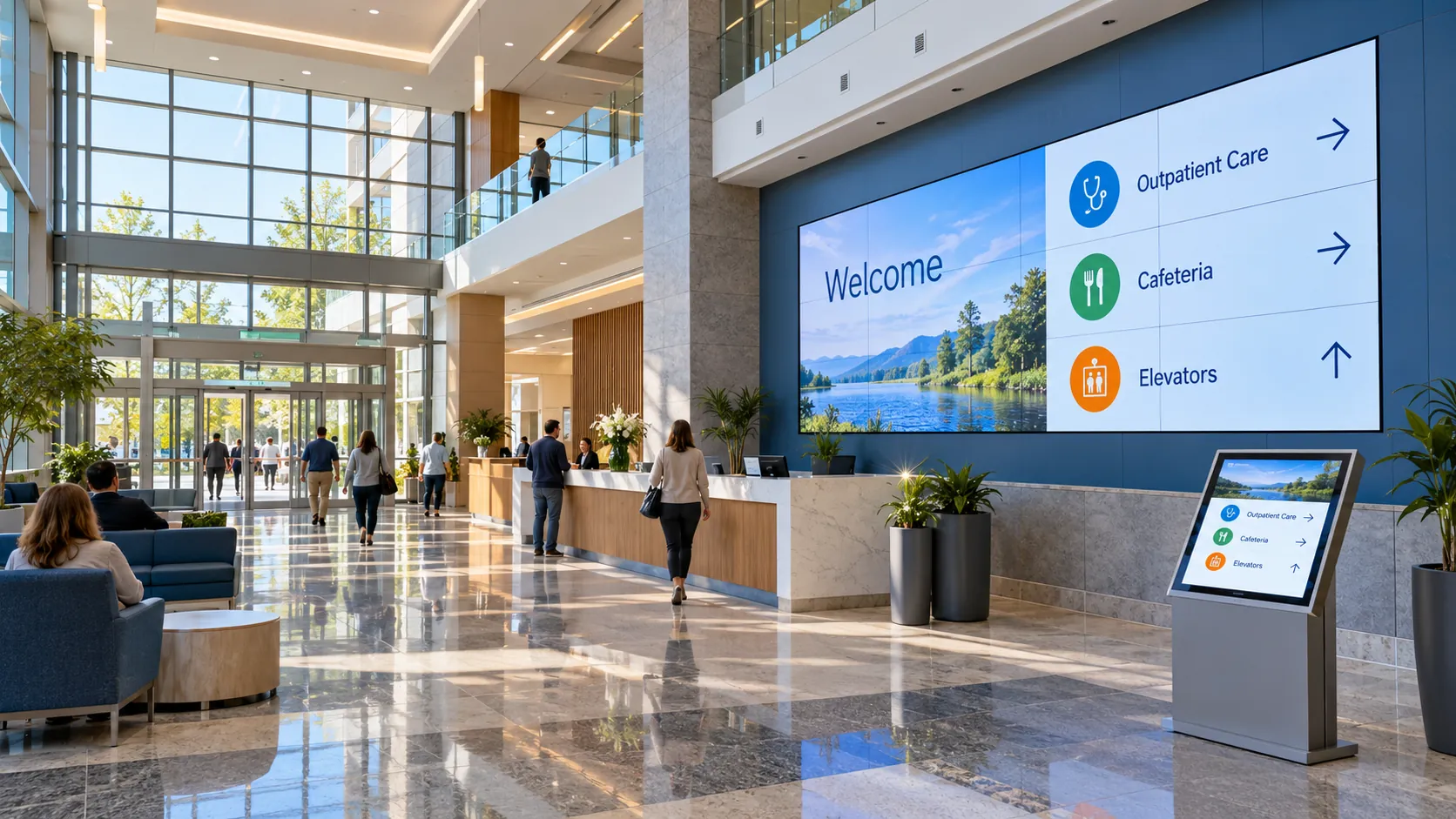
Hospital lobbies & wayfinding
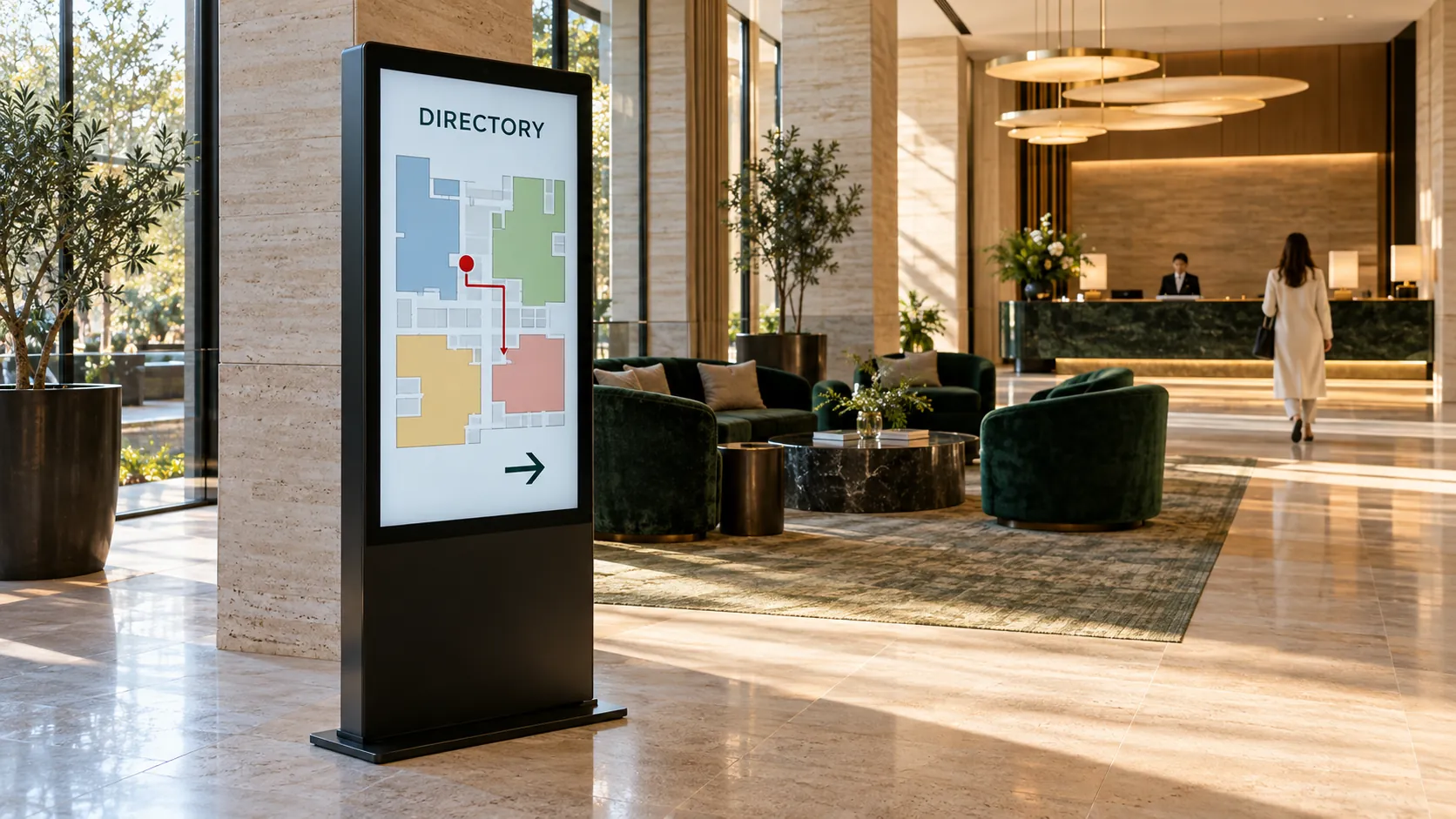
Coordinate digital directories, departmental directions, visitor information and large-format video walls across entrances and shared spaces. Create consistent screen templates and an update workflow with the hospital’s communications, IT and facilities teams.
Staff communication & learning
Provide display and audio integration for staff information areas, meeting rooms and training spaces. Coordinate presentation sources, scheduled messaging and controls around the people managing each area.
Content creation & ongoing updates
Help turn approved material into readable screen layouts, short video and reusable templates. Establish content review, ownership and publishing permissions, then adapt messages for different locations and display formats.
Content creation
We help create what goes on the screen.
Bring your ideas, your existing assets or simply a project goal. We can develop the messaging and visual content with you, from an initial storyboard to screen-ready files and a repeatable update plan.
Message and copy
Develop concise headlines, offers, directions and information around your audience. Build an editorial plan for launches, events, seasonal campaigns or everyday communication.
Design and motion
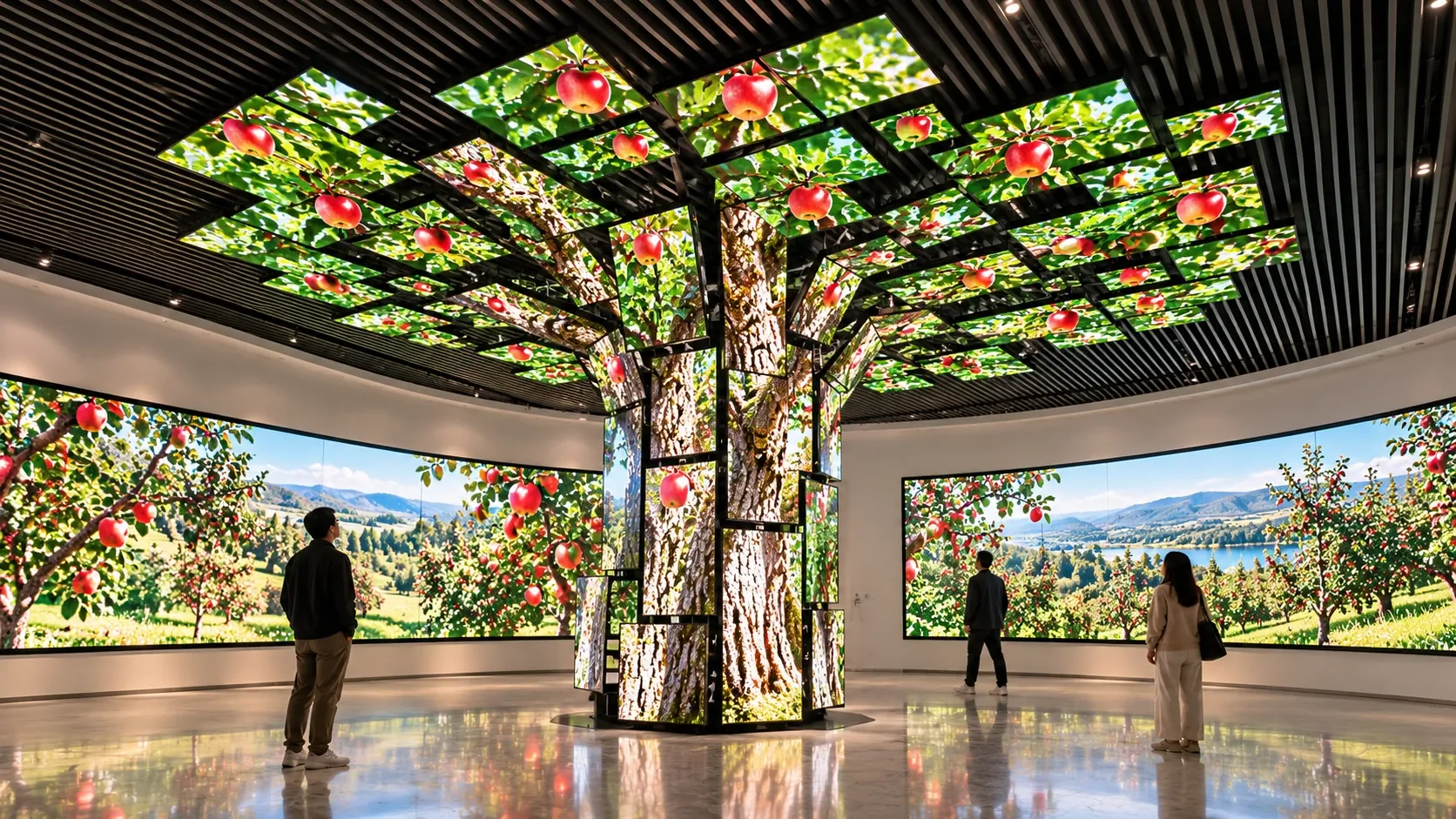
Create branded screen layouts, reusable templates, motion graphics and short-form video treatments. Develop digital artwork for architectural displays, composing content across multiple screens to complement the space. Keep typography, pacing and contrast appropriate for the way people will view the display.
Production and adaptation
Prepare supplied photos and video, plan additional creative production within the agreed scope, and adapt content for portrait screens, landscape displays and video walls.
Review, publishing and refreshes
Review drafts together, confirm approvals and prepare a schedule for deployment. Establish how content will be updated as menus, events, offers or business priorities change.
Designed around your needs
Digital Signage
A screen needs a clear purpose. We begin with what you want people to notice, understand or do, then shape the placement, format and content around that goal. From retail and hospitality to medical offices and hospital campuses, we connect useful messaging, video and appropriate audio with the technology and publishing workflow that deliver them.
What we deliver
A considered scope. A coordinated result.
Display and location planning
Choose screen orientation, size, brightness, mounting and placement around viewing distance, ambient light and the audience’s path through the space.
Players, networks and integration
Coordinate media players, network access, source connections and display control with the responsible IT and facilities teams.
Content management and scheduling
Set up an agreed publishing workflow for playlists, dayparts, location-specific messages and scheduled campaigns. Define who can review, approve and publish content.
Launch, training and support
Check how content looks on the installed displays, train designated users and document the update process. Agree any ongoing content production or technical support services.
Planning your project
Start with the right information.
Share your brand guidelines, audience, locations, key messages and any existing photos or video. We will define content ownership, review and approval steps, update frequency, display formats and the systems needed to keep information current.
Define the brief
Review your priorities, existing conditions and the people who will use the system.
Agree the design
Establish the equipment, integration requirements, responsibilities and proposed investment before proceeding.
Coordinate delivery
Plan installation, testing and handover around the project team and your operating needs.
Common questions
Before you begin.
Can you create content if we only have a logo and an idea?
Yes. We can start with a brief covering your audience, brand, goals and intended message, then develop layouts and a proposed creative direction for approval.
Can we update the displays ourselves?
Yes. We can provide appropriate templates, access permissions and training for the selected content management system. We can also agree a managed content-update service if you prefer ongoing assistance.
Can signage show live information?
Where compatible sources and permissions are available, signage can include live or regularly refreshed information. We confirm the feed, reliability requirements and fallback content during design.
Can our existing displays be reused?
We assess their condition, resolution, orientation, brightness, connectivity and installation before deciding which can support your goals.
Can you help with content for a medical office or hospital?
We can design templates, edit approved video and prepare display-ready material in coordination with your designated reviewers. Your team approves the healthcare information and decides what is suitable for each audience and location.